.NET WYSIWYG HTML Editor: A Free Development Tool
The .NET WYSIWYG HTML Editor is a free application designed for Windows users, focusing on web development and design. This software provides a user-friendly interface that allows developers to create and edit HTML documents visually, without needing extensive coding knowledge. Its WYSIWYG (What You See Is What You Get) functionality enables users to see how their web pages will look in real-time, facilitating a seamless design process.
Top Recommended Alternative
In addition to its intuitive editing features, the .NET WYSIWYG HTML Editor supports various HTML elements and styles, making it suitable for both novice and experienced developers. The program is categorized under Development & IT and offers essential tools for creating responsive web pages efficiently. Overall, it serves as a valuable resource for anyone looking to enhance their web development skills.
100% FREE .NET WYSIWYG HTML Editor
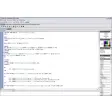
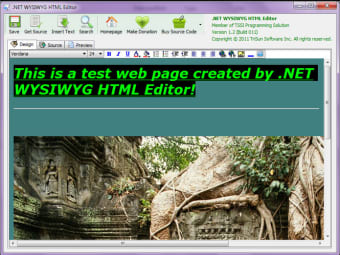
.NET WYSIWYG HTML Editor is 100% freeware that used to design the HTML pages. It has 3 modes: 'Design' - the WYSIWYG HTML editor, 'Source' - view or write HTML code manually, 'Preview' - see the actual effect.
It provides you with the following features/functions: save to HTML file, get HTML source code, insert text from .txt or .html file, search text, font name, font size, bold, italic, underline, text foreground color, text background color, numeric items, symbol items, decrease indent, increase indent, align left, align center, align right, add hyperlink, remove hyperlink, add image, insert horizontal line, set and remove background color/picture/sound..NET WYSIWYG HTML editor is portable software for Windows popular versions, no installation needed. You just need to run "FirstRun!!!.vbs" first to verify your computer .NET environment.At last, you can get the .NET source code of this free editor with a little fee.
Key Features: Provides 'Design', 'Source' and 'Preview' Modes Supports Many HTML Features Portable Application Unicode Supportable 32 & 64-bit Applications in ONE Copy
For normal users (not developers), it can be used to create web page in WYSIWYG mode.For developers, you can buy the source code to apply to your project.






.png)